AI motion studio
Still moments.
Now in motion.
Start with a sentence or a single photo. VisualNest turns it into cinematic images and short-form motion—without making you learn a timeline.
- Promptto motion
- Phototo story
- Zerotimeline editing
Inside the studio
One idea. More ways
to make it visible.
Choose a starting point and shape the result around your story. The complex steps stay behind the scenes.

Motion forge
Give your stills a sense of time.
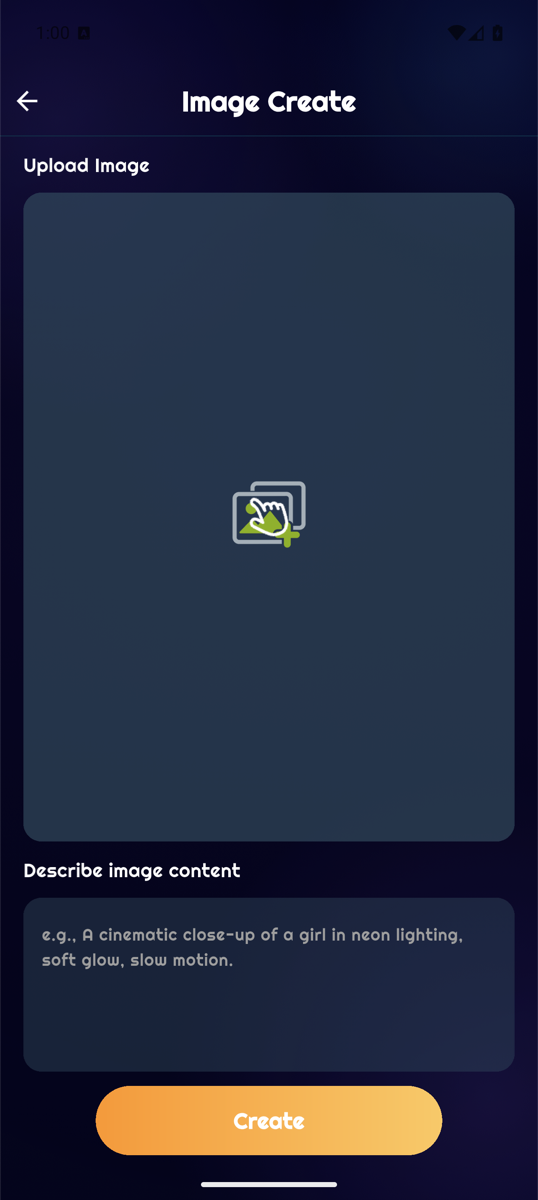
Describe the scene, light, and movement—or begin with a photo. VisualNest turns the direction into a short cinematic sequence.
A clearer creative path
From thought
to moving frame.
-
Write
Set the scene.
Start with a prompt or choose a curated template. Describe the subject, mood, light, and movement you want.
-
Shape
Add your material.
Upload a photo when it helps, then choose the format, quality, and duration available for your creation.
-
Make
Generate and refine.
Preview the result, retry when you want another direction, then save the piece that feels right.
Built for visual thinkers
Inspiration,
creation, archive.
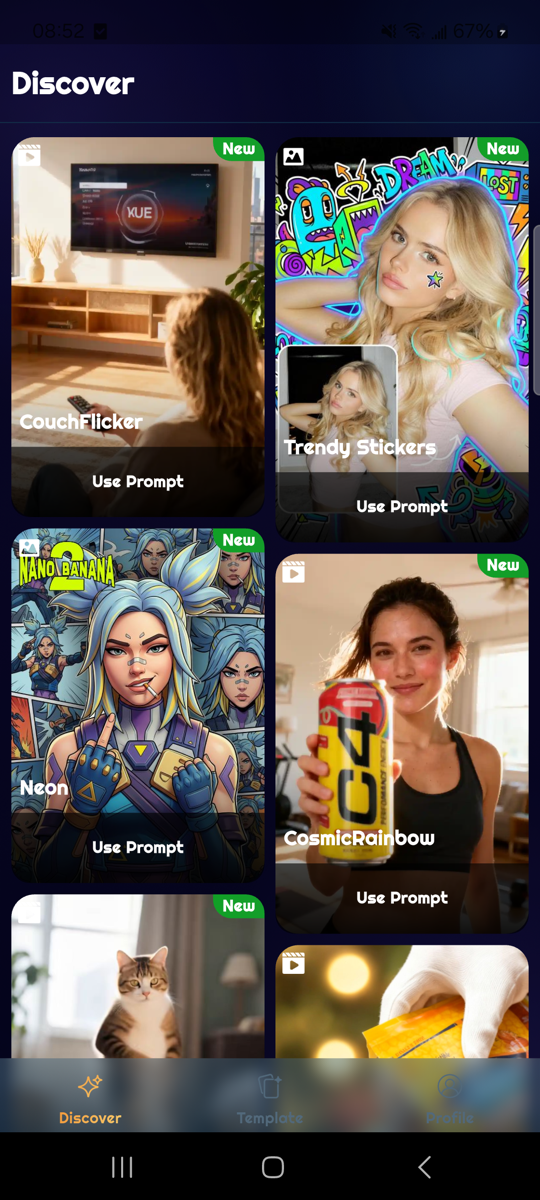
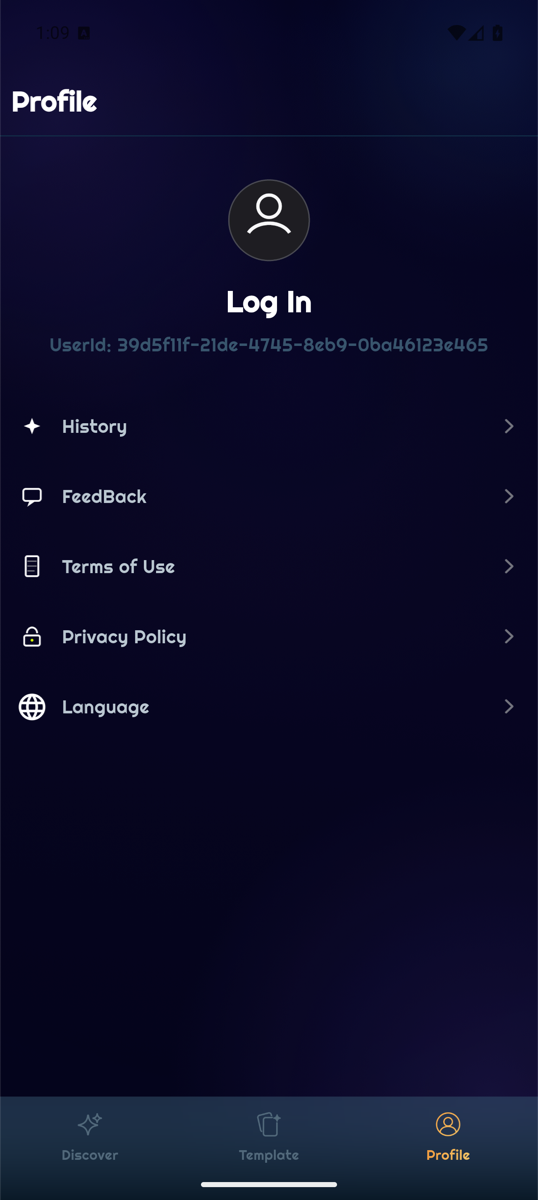
Discover a direction, reuse a prompt, and keep generated work close. VisualNest keeps the whole creative loop in one focused mobile space.
Good to know
Before you
press create.
Do I need editing experience?
No. You can begin with a prompt or a template, choose a few output options, and let VisualNest handle the generation flow.
What images can I upload?
VisualNest supports JPG, PNG, and WEBP images up to 10 MB, from 240 × 240 to 4096 × 4096 pixels.
How long does generation take?
Timing depends on the complexity of your request and the active queue. A generation can take a few minutes.
Can I use photos of other people?
Only when you have the necessary rights and clear permission—especially for face replacement. You remain responsible for the material you upload and how you use the result.
How can I request help or data deletion?
Email stevenssarah483@gmail.com. We may need to verify your identity before acting on an account or privacy request.

VisualNest AI